Every new hire asks the same questions in week one: Where's the security training? When do I enroll in benefits? When's payday? The answers are already in your Google Drive. New employees just don't know where to look, so HR answers them again and again.
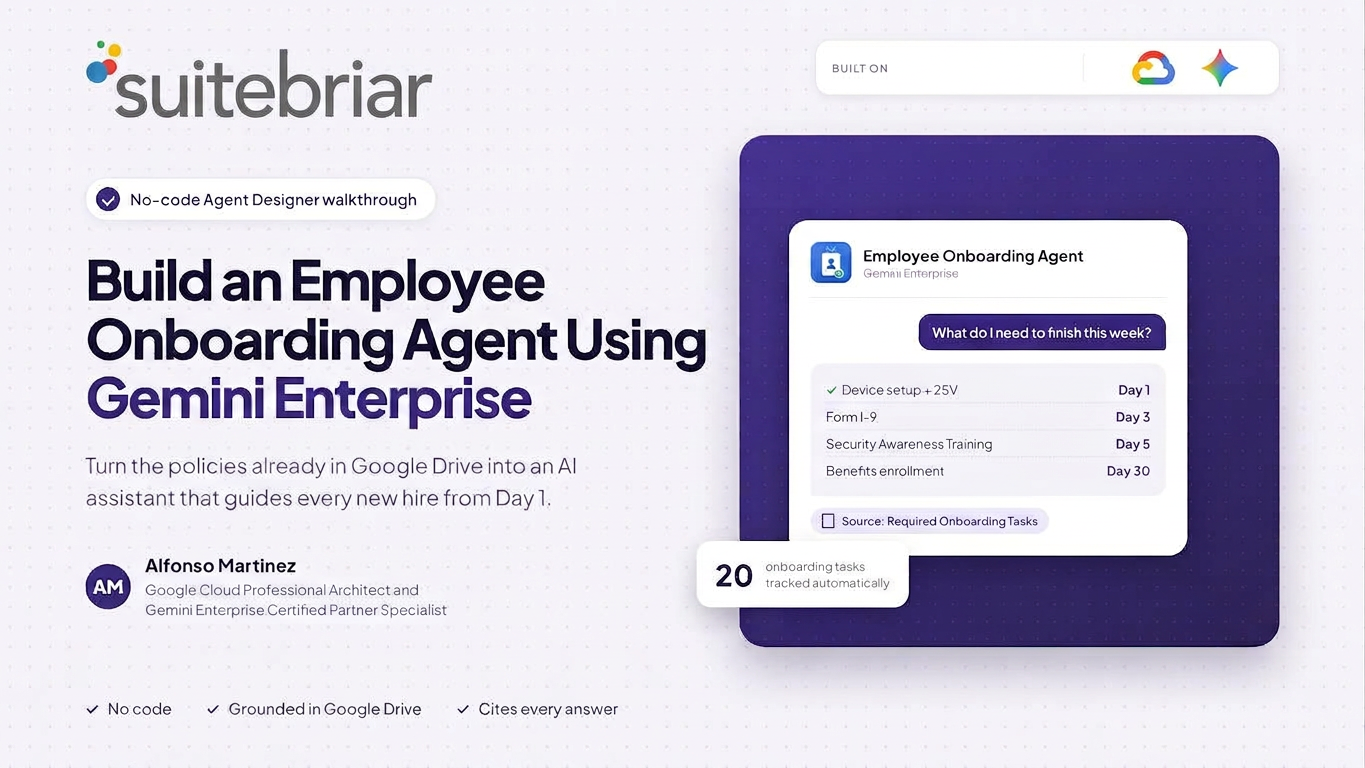
Here's how to turn those documents into an Employee Onboarding Agent with Gemini Enterprise Agent Designer, in about 10 minutes and with no code.
What the agent does
- Answers onboarding questions using only your company's policies and cites the source.
- Builds a personal checklist from the employee's start date, with real due dates for tasks like security training and benefits enrollment.
- Knows its limits: if the answer isn't in your documents, it routes people to the right contact instead of guessing.
How to build it
1. Organize your content in one Drive folder
Add your handbook, key policies, benefits overview, and FAQ. Then add two sheets: a Required Onboarding Tasks list with due dates in days from the start date, and an Org and Contacts list for HR, IT, Payroll, and Benefits. The tasks sheet is what lets the agent calculate a personal checklist.
2. Create the agent
In Gemini Enterprise, click + Create agent, then Proceed to builder. Add a name, a one-sentence description, and choose the latest Gemini Pro model.
3. Write clear instructions
This is the most important step. Tell the agent to answer only from your onboarding folder and cite every source, ask for the start date and build a checklist, flag anything due within five days, and never collect sensitive data like Social Security numbers. Sensitive topics such as harassment or medical leave go straight to HR.
4. Connect your data
Add Google Drive as a data source, scoped to just your onboarding folder. Upload your most-used files as knowledge, and add three starter prompts such as "What do I need to finish this week?"
5. Test, then share
In Preview, ask what a new hire would, including a question your documents don't answer. A good agent says "I don't know, ask Benefits" instead of guessing. Then click Create and share it with your new-hires group.
Keep it accurate
The agent is only as good as your documents. Assign one owner to the source folder and review policies regularly. When a policy changes, update the doc in Drive and the agent picks it up.
Ready to build your first agent?
Onboarding is just the start. The same approach works for IT helpdesk, sales enablement, and policy questions across any team. Suitebriar helps organizations plan, build, and roll out Gemini Enterprise.





.png?width=150&height=150&name=Blog%20Slide%20(1).png)