
.png)
Building Custom Google Admin Console Training Programs That Scale Across Enterprise Teams


Managing Google Workspace across a growing enterprise is not just about knowing where the Admin console is. It is about knowing how to use it consistently, securely, and efficiently across teams, departments, locations, and business units.
As organizations scale, the number of administrators often grows with them. IT managers, help desk teams, security leads, department-level admins, compliance teams, and external support partners may all need some level of access or responsibility inside Google Workspace. Without a structured training program, this creates risk.
One admin may know how to manage user accounts but not understand security settings. Another may handle groups but be unfamiliar with Google Vault. A help desk team may know how to reset passwords but not how to troubleshoot device access. A security team may want stronger controls but lack hands-on Admin console experience.
That is why custom Google Workspace admin training matters.
A scalable training program helps enterprise teams standardize how they manage Google Workspace, reduce operational mistakes, strengthen security, and support better long-term adoption. For companies working with a trusted Google Workspace reseller, this training can also be connected to licensing, deployment, migration, security, compliance, and ongoing support strategies.
Why Enterprise Google Admin Console Training Needs to Be Customized
Generic training can be useful for basic product awareness, but enterprise Admin console training needs to reflect how the organization actually operates.
A small business may only need one or two administrators. A larger organization may have several admin roles across IT, security, HR, legal, compliance, operations, and regional offices. Each group needs a different level of access, context, and training depth.
A custom training program should account for:
- The organization’s Google Workspace edition and licensing structure
- Admin roles and permission levels
- Organizational units and groups
- User lifecycle workflows
- Security and compliance requirements
- Device management policies
- Google Vault retention and eDiscovery needs
- Migration history from Microsoft 365, Exchange, or other systems
- Help desk escalation paths
- Ongoing managed services and support needs
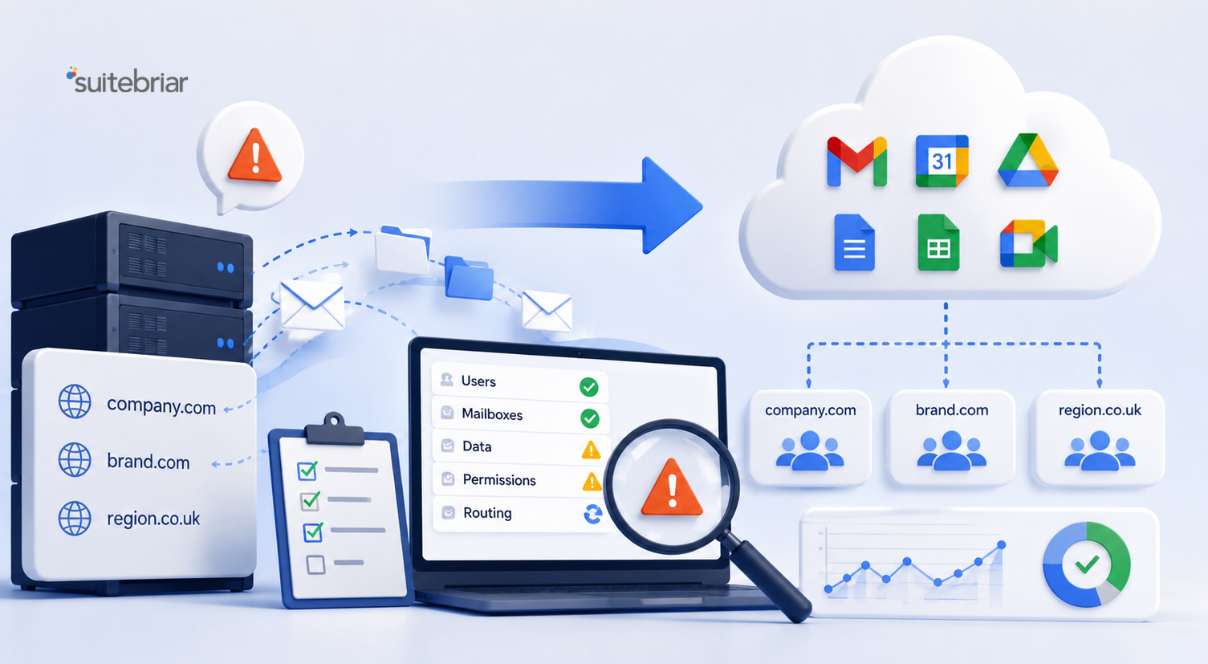
This is especially important for organizations that recently completed a Google Workspace migration services project or plan to migrate from Office 365 to Google Workspace. After migration, teams need more than technical cutover support. They need training that helps admins operate confidently in the new environment.
Start With Admin Roles and Responsibilities
A scalable training program should begin by defining who needs to learn what.
Not every admin needs super administrator access. In fact, training should reinforce the principle that admin privileges should match the user’s role. This helps reduce risk and keeps the Admin console easier to manage.
A strong Google Workspace admin training plan may separate audiences into groups such as:
- Super administrators
- Help desk administrators
- Security administrators
- Groups administrators
- Device administrators
- Google Vault and eDiscovery administrators
- Compliance and legal users
- Department-level administrators
- Technical account owners
- External managed services partners
Each group should receive training based on their responsibilities. Help desk staff may need account recovery, password reset, group membership, and basic troubleshooting workflows. Security administrators may need deeper training on authentication, access controls, alerts, audits, and Google Workspace security best practices. Legal or compliance teams may need training on Google Vault eDiscovery setup, retention policies, holds, and audit readiness.
This role-based structure keeps training practical and prevents teams from being overwhelmed by information they do not need.
Build Training Around Real Administrative Workflows
The best Admin console training programs are built around real workflows, not abstract product tours.
Enterprise admins need to know how to complete tasks correctly under real operational pressure. That means training should be organized around the jobs they actually perform.
Common training modules may include:
User Lifecycle Management
This module should cover how to create users, suspend users, restore users, update profile information, manage aliases, transfer data, and handle employee offboarding.
For enterprise environments, this should also include HR-driven workflows and integration points with identity systems.
Groups and Organizational Units
Admins should understand how groups, organizational units, and access groups affect service availability, policy enforcement, and user experience.
This is especially important for large organizations that need different settings for executives, contractors, frontline workers, students, faculty, departments, subsidiaries, or regional offices.
Gmail, Drive, Calendar, and Core App Controls
Training should show admins how to manage core Google Workspace services and understand how settings affect end users.
This can be connected to Google Workspace end-user training so admins understand both the technical controls and the employee experience.
Device and Endpoint Management
Admins need to understand how device policies support security, productivity, and compliance. This may include mobile device management, Chrome browser policies, endpoint access, and device inventory.
Security and Compliance Settings
This module should include authentication, 2-Step Verification, admin roles, alerts, audit logs, data protection controls, sharing policies, and incident response workflows.
For regulated industries, training may also include Google Workspace HIPAA compliance, retention requirements, data loss prevention, and audit processes.
Google Vault and eDiscovery
Organizations using Vault need clear training around retention, holds, matters, search, export, and legal workflows.
This is where Google Vault, eDiscovery & archiving become essential parts of admin education.
Connect Training to Google Workspace Setup and Deployment
Admin training should not happen in isolation. It should be part of the broader Google Workspace setup & deployment process.
When companies use a Google Workspace setup service, training can be planned alongside configuration. That allows teams to understand why settings were configured a certain way, how to manage them, and when to request support.
For example, if Suitebriar helps an organization configure security groups, sharing policies, Vault retention, and device rules, the training program should explain:
- What was configured
- Why was it configured
- Who owns each setting
- What admins can change
- What should be escalated
- How future changes should be reviewed
This helps prevent the common problem where a deployment is technically successful, but internal teams are not ready to manage it.
Support Migration Success With Post-Migration Admin Training
Many organizations need training most urgently after a migration.
A company that moves from Microsoft 365, Exchange, or another platform into Google Workspace may have administrators who are experienced in one ecosystem but new to another. Even highly capable IT teams need time to learn Google’s administrative model.
Post-migration training should focus on the areas that change most for admins, including:
- User management differences
- Mail routing and Gmail administration
- Drive sharing and ownership
- Calendar resource management
- Security settings
- Groups and organizational units
- Vault retention and eDiscovery
- Data migration validation
- Support and troubleshooting workflows
A strong Google Workspace migration (from Microsoft 365 / Exchange/others) plan should include both technical migration and admin enablement. Without training, teams may continue using old assumptions in a new environment.
Suitebriar can help organizations pair Google Workspace onboarding & data migration services with practical admin training so enterprise teams are ready to manage their environment after go-live.
Train Admins on Security Hardening and Compliance
Security is one of the biggest reasons to invest in structured Admin console training.
Google Workspace includes many security and compliance controls, but those controls only create value when admins understand how to configure, monitor, and maintain them.
A training program should include practical guidance on:
- Admin role design
- 2-Step Verification enforcement
- Context-aware access concepts
- Device management
- App access controls
- External sharing policies
- Gmail safety settings
- Drive data protection
- Alert center usage
- Audit and investigation workflows
- Vault retention and holds
- Security reporting
This aligns closely with Google Workspace cybersecurity & hardening, Google Workspace security audit, and Google Workspace compliance & data protection priorities.
For some organizations, admin training should follow a Google Workspace security audit/assessment. The assessment identifies risks and configuration gaps, while the training helps the internal team understand how to maintain improvements.
Include Zero Trust and BeyondCorp Concepts
Enterprise teams increasingly need to think beyond basic account security.
A custom Admin console training program can introduce teams to zero-trust concepts, especially where Google Workspace and Chrome are part of a broader access strategy.
This may include training around Zero trust / BeyondCorp for Workspace & Chrome, and BeyondCorp enterprise implementation topics such as:
- Access based on identity, device, and context
- Reducing reliance on network-based trust
- Managing browser and endpoint access
- Applying policies by group or organizational unit
- Supporting secure work from anywhere
- Aligning Workspace security with cloud and endpoint strategy
For enterprise teams, this type of training helps connect Google Workspace administration with larger cybersecurity goals.
Create Separate Paths for Admins and End Users
Admin training and end-user training should support each other, but they should not be the same program.
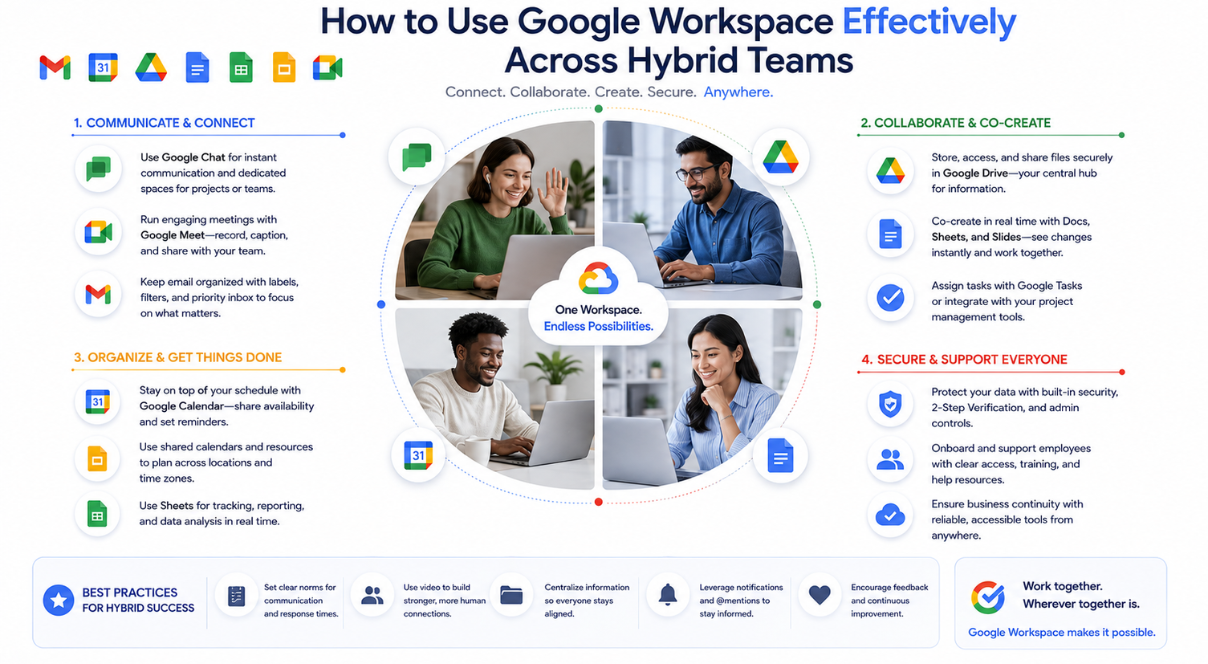
Admins need to understand configuration, governance, and support. End users need to understand how to work efficiently and safely in Gmail, Drive, Docs, Calendar, Meet, Chat, and other tools.
A complete training strategy may include both Google Workspace admin training and Google Workspace end-user training.
Admin training helps IT and security teams manage the environment. End-user training helps employees adopt the tools correctly.
Together, they support stronger outcomes in:
- Productivity
- Collaboration
- Security
- Data protection
- Support ticket reduction
- Migration adoption
- AI readiness
- Compliance consistency
This is especially useful for organizations rolling out Gemini for Google Workspace (Enterprise / Business) or exploring Google Workspace AI use cases. Admins need to understand controls and governance, while employees need practical training on responsible usage.
Build Training for Different Business Types
Not every organization needs the same training model.
A Google Workspace for small business customers may need a practical admin bootcamp that covers the essentials: user management, billing, groups, security basics, Drive sharing, and support workflows.
A large enterprise may need multi-level training by admin role, region, business unit, and compliance profile.
A Google Workspace for education & nonprofits customer may need training around students, faculty, staff, classroom workflows, donor or volunteer accounts, shared drives, compliance requirements, and cost-effective administration.
Training should reflect the organization’s structure, not a generic template.
Use Documentation, Labs, and Scenario-Based Exercises
A scalable training program should include more than live sessions. It should create repeatable learning assets that teams can reuse.
Useful training assets may include:
- Admin role matrix
- Workflow documentation
- Recorded training sessions
- Quick reference guides
- Troubleshooting playbooks
- Security checklists
- Migration-specific admin guides
- Google Vault workflow guides
- End-user support scripts
- Knowledge base articles
- Scenario-based labs
Scenario-based training is especially valuable because it mirrors real work. For example:
- A user leaves the company, and their Drive files need to be transferred
- A department needs a new group with specific access permissions
- Legal requests an eDiscovery export
- A user reports suspicious account activity
- A contractor needs limited access for 30 days
- A team needs a shared drive policy reviewed
- A device is lost and must be secured
These exercises help admins build confidence before they face production issues.
Measure Training Success Over Time
Training should not be treated as a one-time event.
Enterprise Google Workspace environments evolve constantly. Teams change, services expand, security needs shift, and new features become available. A scalable training program should include ongoing measurement and refresh cycles.
Metrics may include:
- Help desk ticket volume
- Admin task completion time
- Security configuration consistency
- User provisioning accuracy
- Offboarding accuracy
- Vault request handling time
- Drive sharing policy exceptions
- Admin audit findings
- Migration support tickets
- End-user adoption scores
These metrics help organizations understand whether training is improving operations or needs adjustment.
Pair Training With Managed Services and Premium Support
Even strong internal teams need support as environments grow.
A custom training program becomes more effective when paired with Managed services & premium support for Google Workspace. This gives admins a clear escalation path when issues go beyond internal knowledge.
Suitebriar can support organizations through:
- Google Workspace licensing guidance
- Deployment and migration planning
- Admin training
- End-user training
- Security audits
- Vault and eDiscovery setup
- Ongoing support
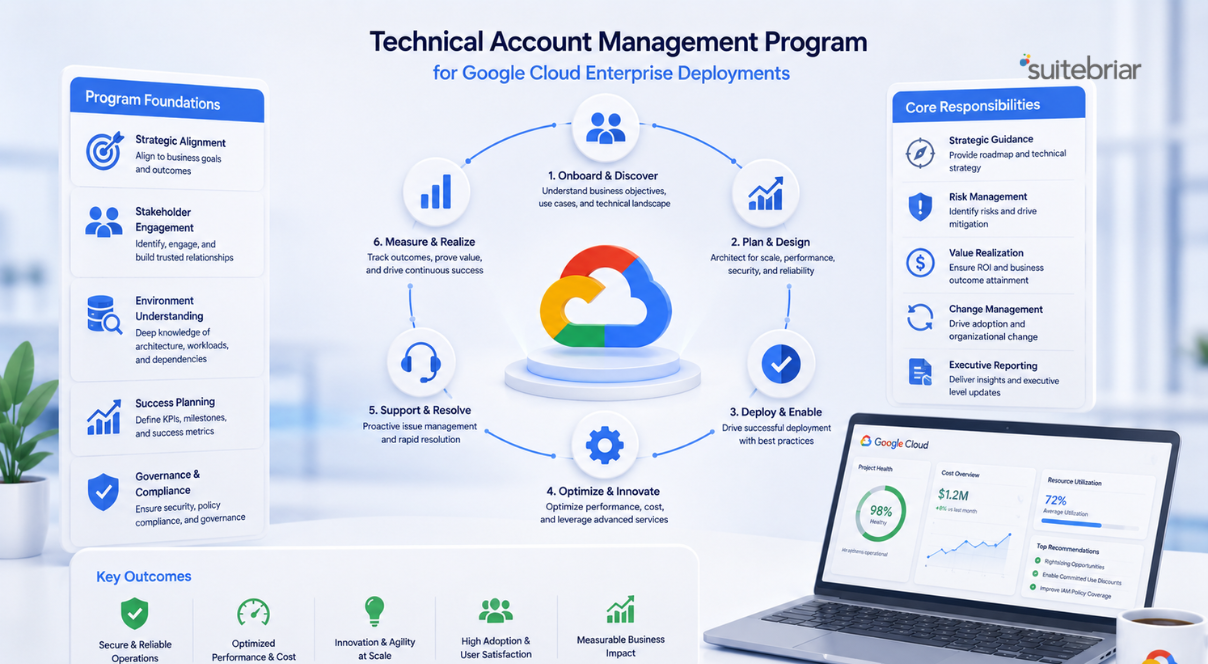
- Technical account management
- Google Cloud advisory services
For organizations that also use Google Cloud, training can be connected to Google Cloud technical account manager, Google Cloud consulting & professional services, and Managed services & premium support for Google Cloud support models.
Why Suitebriar Is a Strong Partner for Google Admin Training
Suitebriar helps organizations get more value from Google Workspace by connecting licensing, deployment, migration, security, training, and managed support into one practical strategy.
As a Google Workspace reseller & licensing partner, Suitebriar can help organizations align the right editions, features, and support model with their business needs. As a Google-focused services partner, Suitebriar can also help teams build custom training that reflects their actual Admin console configuration, security posture, compliance requirements, and user workflows.
That means training is not disconnected from the environment. It is built around the way the organization actually uses Google Workspace.
Conclusion
Enterprise Google Workspace administration requires more than basic product familiarity. It requires structured training, role-based access understanding, security awareness, compliance knowledge, and repeatable operational workflows.
A custom Google Workspace admin training program helps enterprise teams scale administration without increasing risk. It gives admins the confidence to manage users, groups, devices, security policies, Vault workflows, and support requests more consistently.
With Suitebriar, organizations can pair Google Workspace setup service, Google Workspace migration services, security audits, managed support, and role-based training into a complete enablement strategy. The result is a Google Workspace environment that is easier to manage, safer to scale, and better aligned with the way enterprise teams work.
TLDR
Generic Google Workspace training doesn't work at enterprise scale because different admin roles need fundamentally different knowledge. A help desk admin needs password resets and account recovery; a security admin needs authentication controls and audit logs; a compliance team needs Vault and eDiscovery workflows. Effective enterprise training is built around three principles: role-based access (train people only on what they actually control), real workflows rather than product tours, and connection to how the environment was actually configured during deployment. Training matters most after migrations, when experienced IT teams are capable but unfamiliar with Google's administrative model versus their previous platform. Key modules for most enterprise programs cover user lifecycle management, groups and organizational units, security hardening, device management, Vault/eDiscovery, and increasingly, zero trust concepts. Admin and end-user training should be separate but complementary programs. Admins manage configuration and governance; end users need practical productivity training. Training isn't a one-time event. Measuring outcomes through help desk ticket volume, provisioning accuracy, and audit findings helps identify where programs need refreshing as the environment evolves.
.png?width=150&height=150&name=Blog%20Slide%20(1).png)